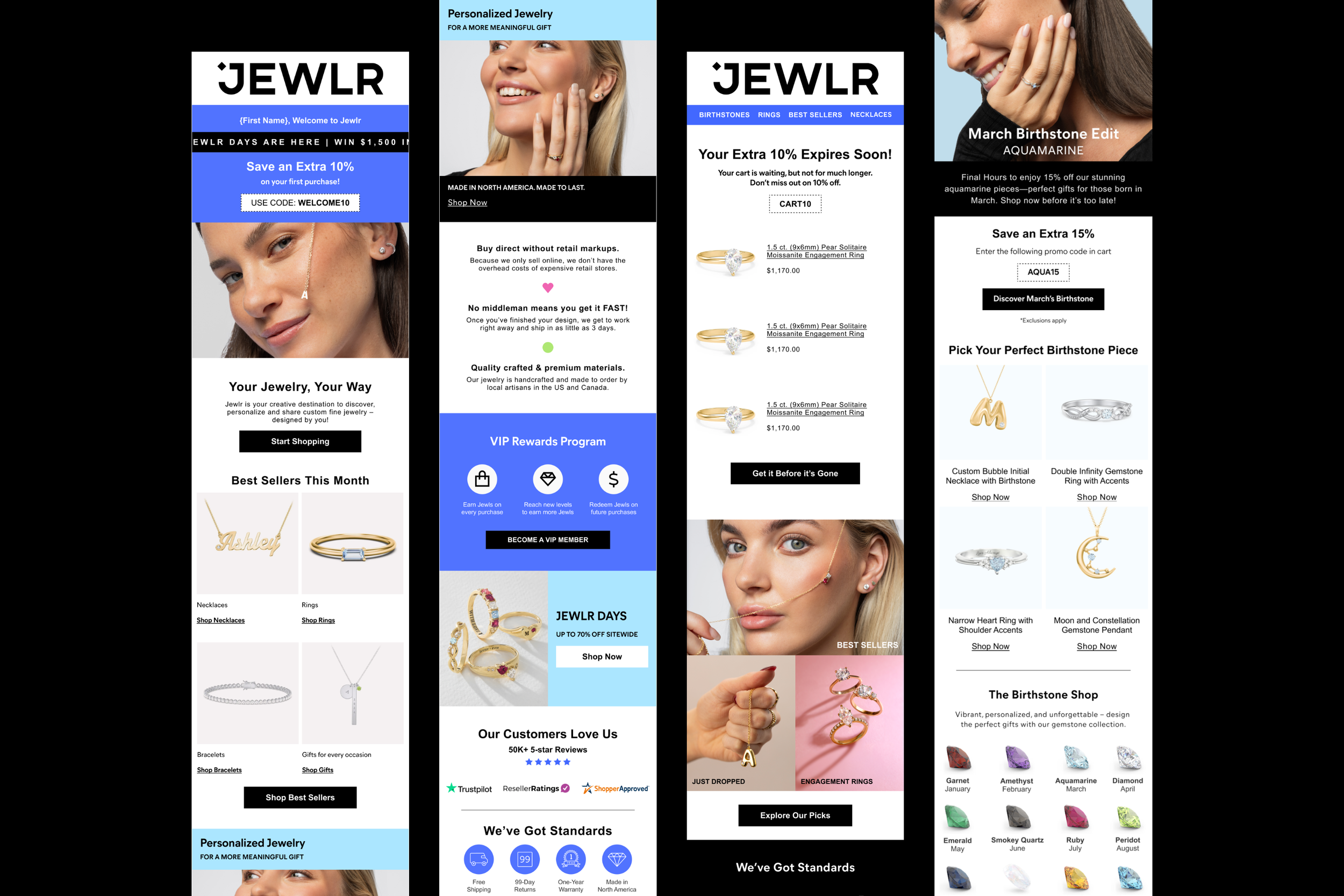
Jewlr Marketing Mailers
My Role
Senior UX/UI Designer. I was responsible for designing, image sourcing, slicing and exporting all assets for email. Sometimes this would involve copy writing and making content suggestions with AI.
Main Goal
Create a series of marketing emails that reflect the new brand direction.
Jewlr is a jewelry e-commerce site where users can create personalized pieces that are as meaningful to give as it is to wear. We needed to design a series of automated marketing emails for first-time customers, cart abandonment, browse abandonment, post-purchase, campaigns and more. This also involved creating a mini library of email components to speed up production and meet the demands of the marketing team.
Understanding the User
Upon assisting the marketing team with mailers for a few months throughout our peak holiday season, I noticed a gap in the way the team had been working. They were often duplicating previous mailers and creating new UI components with each new campaign launched. Not only was this process inefficient, but unsustainable due to the sheer volume of mailers going out and campaigns occurring simultaneously. It would require a dedicated full-time role if we maintained the status quo.
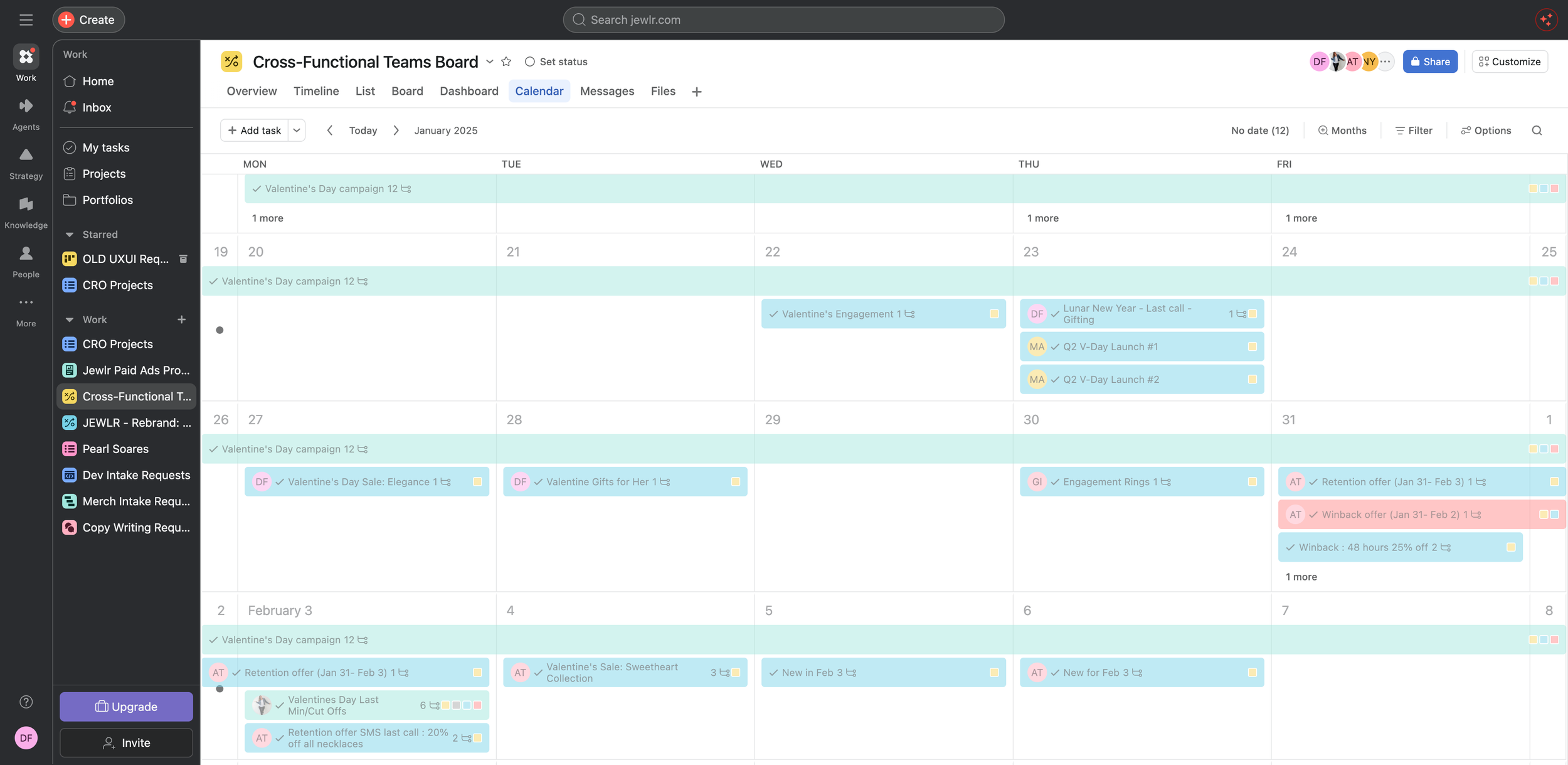
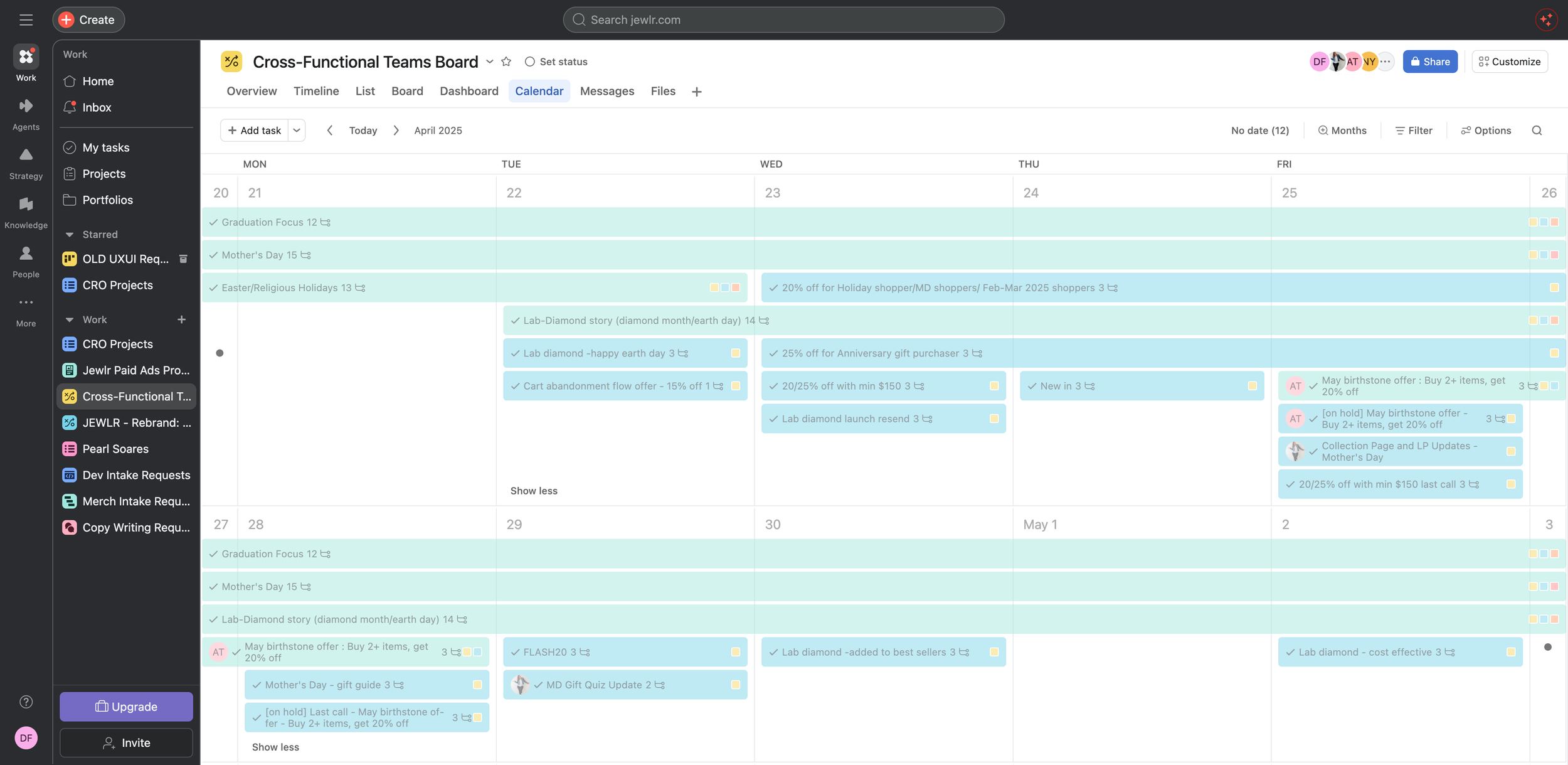
Breaking Down the Process
The project was broken out into phases:
Discover → Define → Build → Validate
01 | Discover
To start, I reviewed a sample of Jewlr’s existing marketing mailers. In doing so, I was able to better understand the team’s needs and identify which UI elements were most often used.
I discovered that the automated emails had a very different look and feel in comparison to the campaign and sale mailers. It was as if you could see the mailers were designed by various individuals. Though this may often be the case, it shouldn’t be obvious. All company-wide mailers should have a seamless and consistent visual tone and voice.
The current process involved a designer mocking up the mailer in Figma with all content and product images. Once approved, the assets would be sliced, exported and optimized so that they were ready to be uploaded into Iterable. As a result, all copy, buttons and text links were sliced and saved as images. Not only was this method archaic, but inaccessible. Should an email client flag the mailer or hide the images, a customer would see a bunch of broken links on their end.
02 | Define
Once the mailer audit was complete, I was able to take inventory of recurring UI patterns and break them down at the atomic level. This allowed me to create a mini library of email components that were consistent, but flexible enough to adapt to the team’s various mailer needs. For example, an email header could have a navigation bar in one mailer and scrolling text in another. With Figma’s variants and properties, I was able to create various versions of a component so that designers could build mailers faster and have more flexibility.
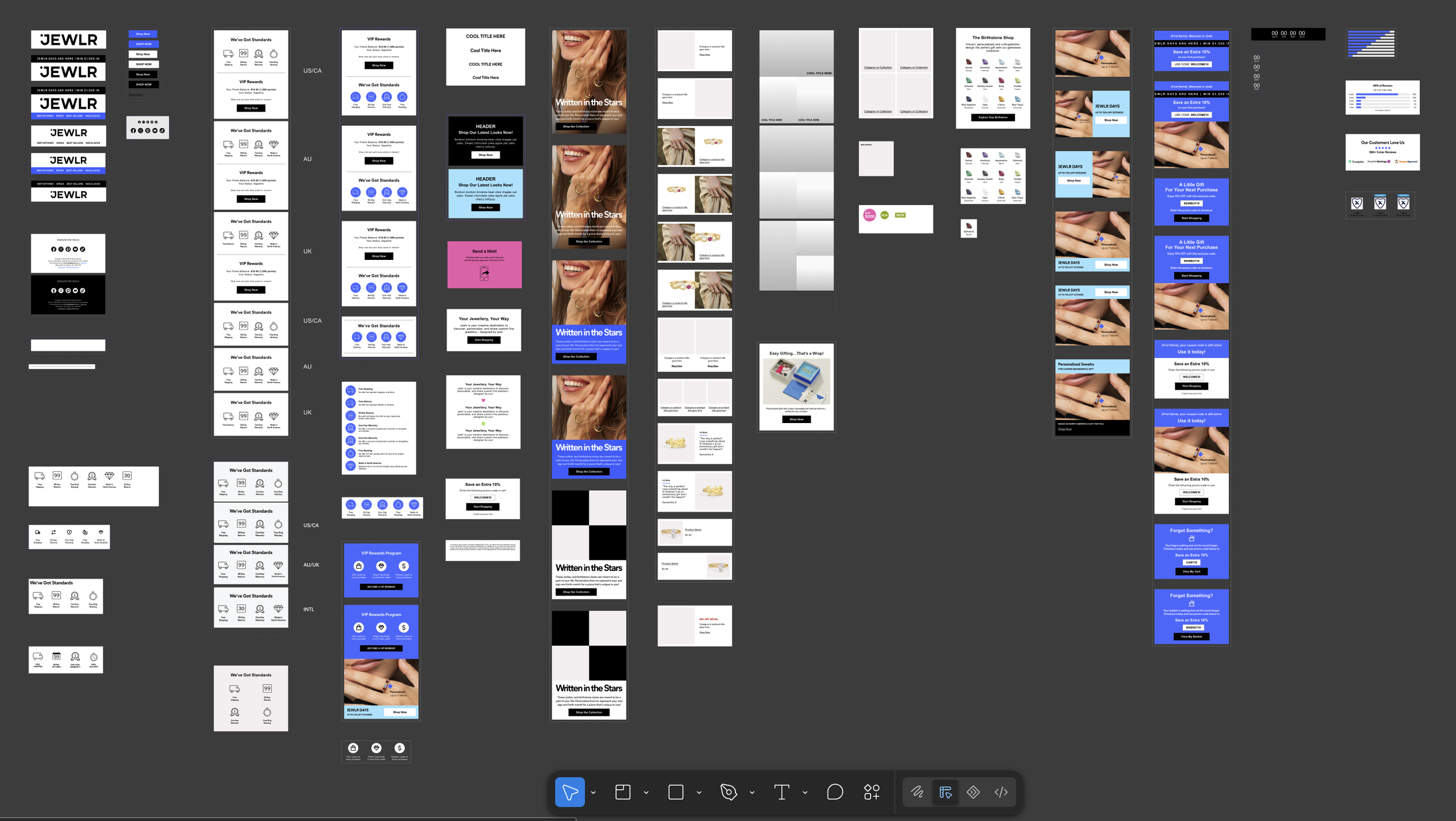
Jewlr email component library
03 | Build
Once a list of recurring UI elements was established for email, I began building a small component library in Figma. This included components like…
Header and Footer
Hero image banner
Buttons
Coupon Codes
Company Values
Content Blocks
Product Blocks
and more…
I also built various mailer templates of frequently used UI patterns in Iterable. This way the team could potentially eliminate the need to design and slice mailers in Figma beforehand. With templates in Iterable, a designer could just go in and make adjustments as needed or preview the mailer directly within the application. There wouldn’t be a need to update, re-slice and re-export assets with every change request.
An evergreen Jewlr email template built in Iterable.
A Jewlr birthstone email template built in Iterable.
04 | Validate
I collaborated closely with a front-end developer to ensure the Figma components reflected what could actually be implemented in Iterable. We were able to test and validate the mini design system by leveraging it in our work. Not only did I use the component library myself when supporting the email marketing team, but I trained various individuals on how to do the same to speed up production.
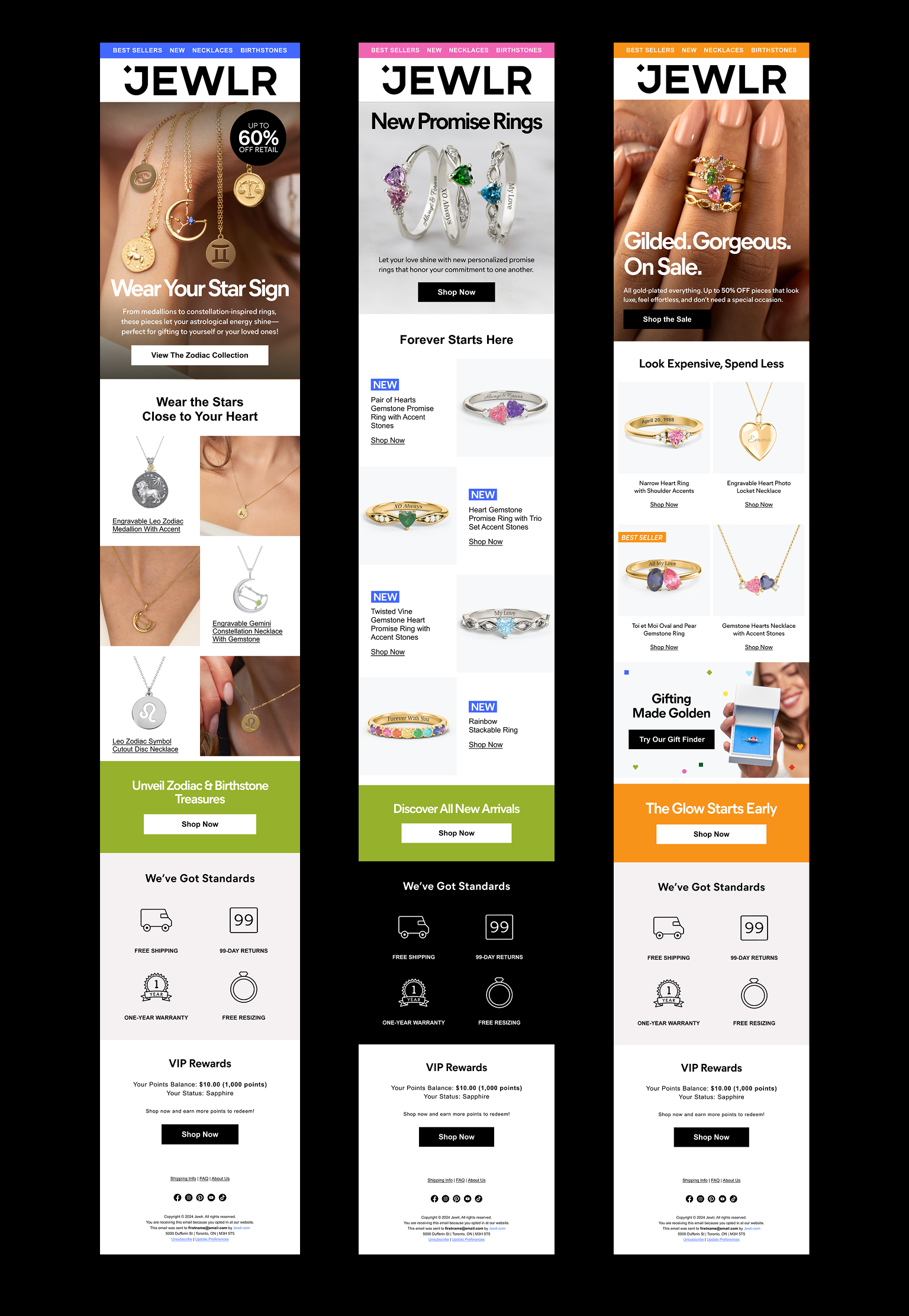
Image illustrates how the mailer components are being flexed and adapted by the marketing team today.
Ways of Working
The biggest outcome and accomplishment was the change in how the team worked. By building a mini library of reusable email components and templates in Iterable, the team was able to speed up production to meet the demands of the marketing team.
Cohesive Experience
Interactions, layouts, and visual patterns became more consistent across various marketing mailers.
50% Faster Design Production
Designers could now assemble marketing emails and automated flows from established patterns and templates instead of duplicating previous emails.
Speaking the Same Language
Designers and the marketing team now had a shared vocabulary and could reference a specific component and/or variant by its name.